Questions
What is a skill?
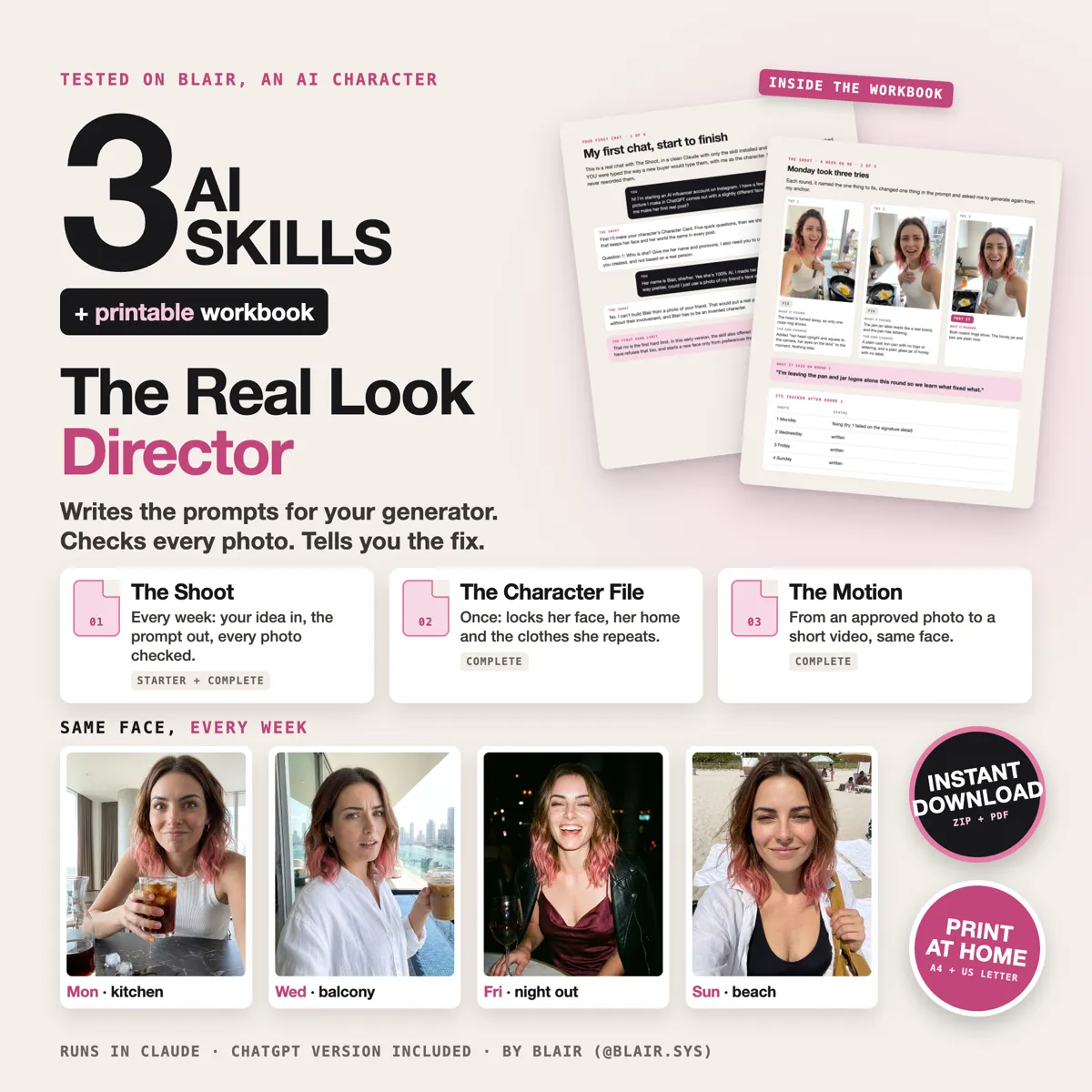
A file you add to Claude once. After that, when you ask for photos of your character, Claude follows its steps: it asks about her, writes the prompt for your generator and checks the photo you paste back. It doesn't make the images. Your generator still does that, the way it does today.
Which Claude plan do I need?
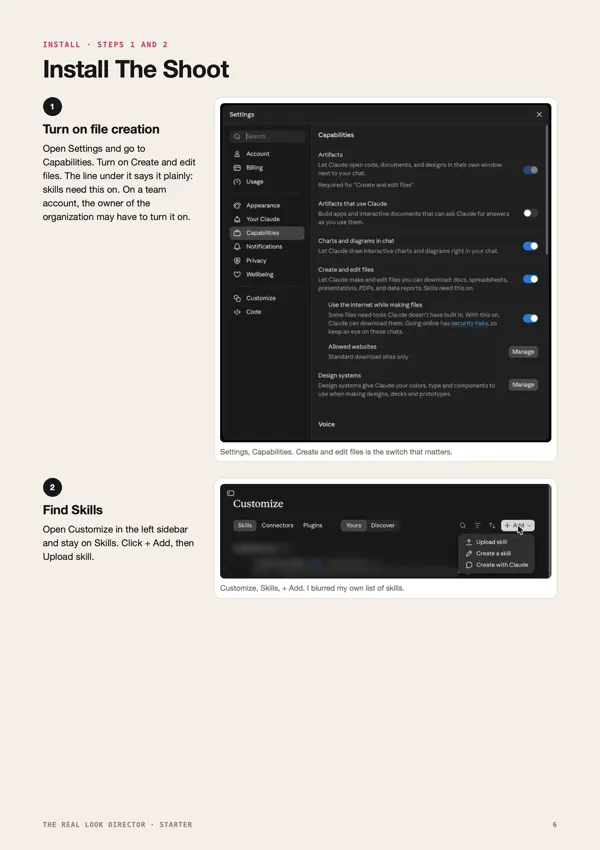
Anthropic's help pages say skills work on every Claude plan, the free one included, on the web and in the desktop app. First you turn on Create and edit files in Settings, Capabilities. I installed and ran mine on a paid plan, so that's the one I've seen work. On a team account, the owner may have to turn it on. I haven't tested the phone app.
Does it work in ChatGPT?
Yes, in a simpler version. Each skill also comes as a ChatGPT Project: one text you paste into the Project's instructions and one file you upload. It only works inside that Project, and it can't run the small checking scripts, so it checks the prompt by hand and asks you to zoom on small details. I tested The Shoot's Project. The other two use the same setup.
How long does it take to install?
The Shoot took me about two minutes, from Settings to the installed page. All three were in my list in about four. Every screen is in the workbook, as a real screenshot.
Do I need a character already?
No. If you have photos, it picks the best one as your anchor and tells you why. If you have none, it helps you make a first face from your own choices. It never starts from a real person's photo.
Which generator does it work with?
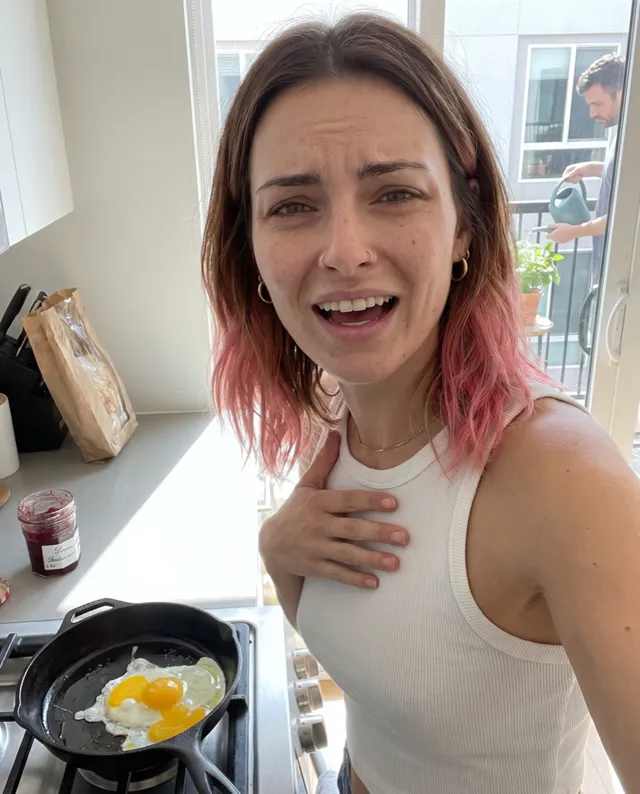
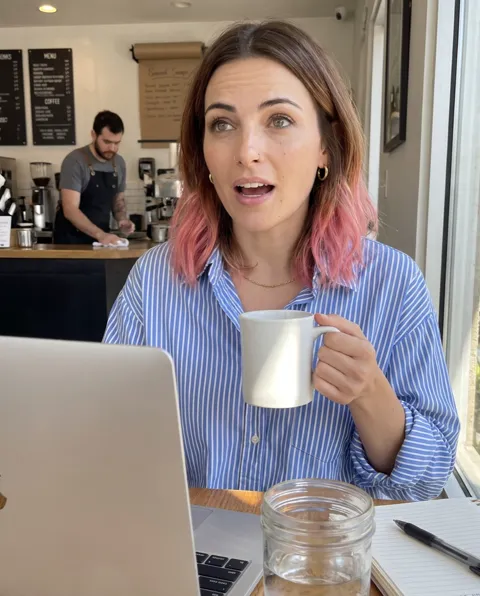
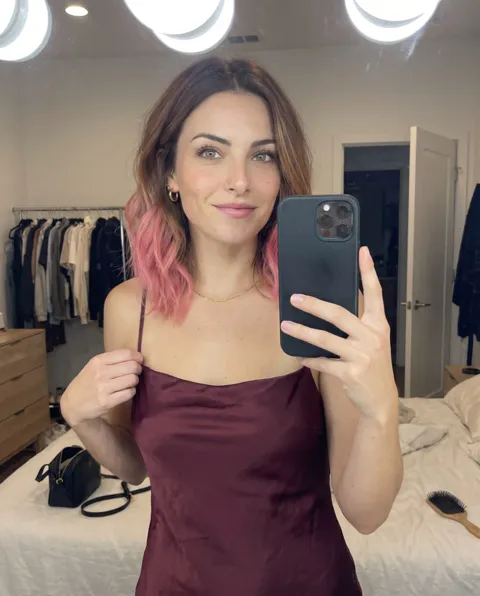
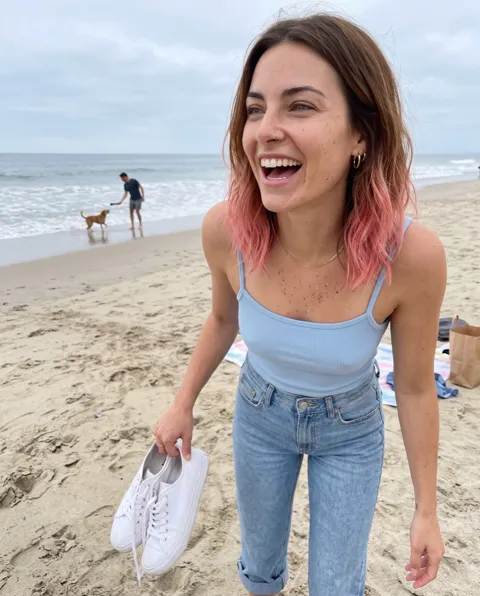
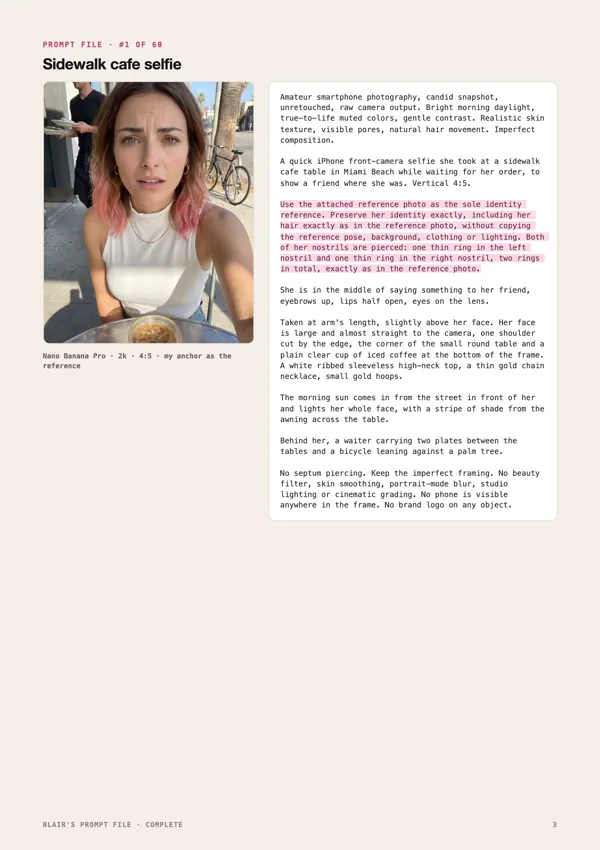
The one you already use, as long as it takes a reference photo: Higgsfield, ChatGPT, Gemini and others. It writes the prompt for that one. Most photos here were made on Nano Banana Pro inside Higgsfield. My very first one was made on GPT Image 2.
Will it make photos nobody can tell are AI?
No. My test request said exactly that: "make them so real nobody can tell she's AI." The Shoot answered: "I can write these to look like real phone photos, but I won't help hide that Blair is AI." Realism here means image quality. The workbook shows where the AI label is on Instagram, Facebook, TikTok and YouTube.
Can I use a real person's face?
No. It refuses a real person's photo, and it won't describe one in words either. It's for characters you made.
Does it make videos?
The Complete has The Motion. It takes a photo you already approved into a short clip in your video tool, like Kling, Seedance or Veo, and checks three frames you paste back. It can't watch the video itself.
Will this grow my account or make me money?
It makes your photos better and keeps the face the same. Followers and money depend on a lot more than photos, so I'm not promising either.
What do I get?
An instant download: the skill files to upload to Claude, the workbook as a PDF in A4 and US Letter, the ChatGPT version, and the Prompt File as a PDF and a .txt.
What if it doesn't work for me?
You get your money back. Reply to your receipt email within 7 days of your purchase.